From the kitchen, the office or the end of a long gravel drive, a smart opener tells you whether the garage is shut and lets you shut it. We install Wi-Fi openers, add app control to openers you already have, and fix smart setups that went quiet after a storm. The estimate is free.
Tell us what the door is doing. Nothing begins until you've heard the number, and hearing it is free.
Out toward the edge of the county, plenty of houses sit well back from the road with a detached shop or a pole barn beside them, and the bedtime question is always the same: did anybody close the shop door? A smart opener answers it on your phone, and closes it if the answer is no.
In town the reasons are just as practical. A notice arrives when the door opens while you're away, a running record shows every time it moved, and a neighbor or a contractor can be let in without a remote left under the mat. Certain models will also bring the door down by themselves once it has stood open for a set stretch, and a few carry a camera aimed at the inside of the garage.
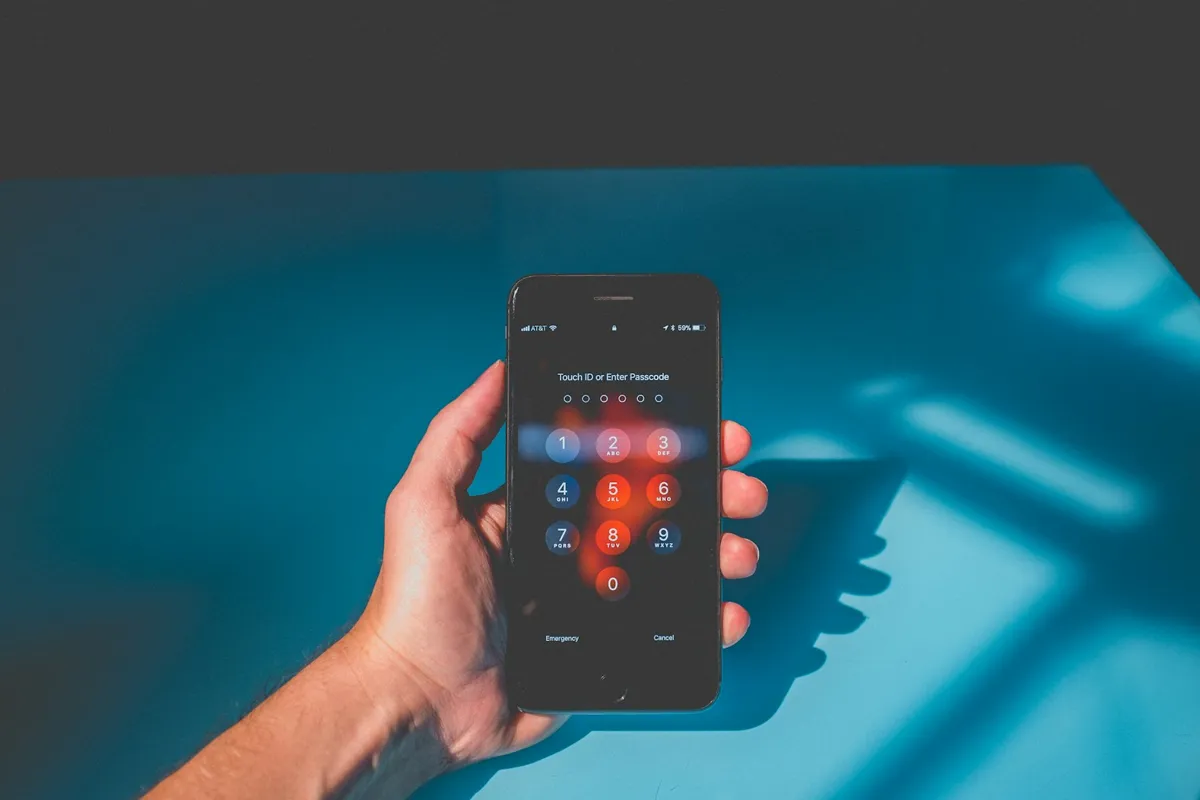
Current openers from LiftMaster and Chamberlain run on the myQ app, and Genie openers run on Aladdin Connect. Most current models from both carry the Wi-Fi inside the motor head, so the job is mostly introducing the opener to your phone and your network.
An opener that still runs well can often stay put. An add-on hub ties into its wall-button wiring, and a tilt sensor stuck to the door's top panel tells the hub which way the door is sitting. The motor keeps doing the lifting; the hub simply gives it a voice your phone can hear.
Some openers shouldn't be connected at all. A unit with no safety eyes, eyes someone unplugged years ago, or a motor that labors to raise the door is not given remote control. There, a new opener is the straight answer, and you hear the reason.
A steel shop or a pole barn is about the worst home a Wi-Fi signal can have: metal walls and a metal roof turn most of it away, and the building often stands a good walk from the house. On top of that, many smart openers will only join the older, longer-reaching half of a router's signal, and routers that blend both halves under one name can trip them up during setup.
So before any bracket goes up, the technician tests reception at the spot where the opener will hang. When it's thin, the usual cure is an extra mesh node or a range booster partway between house and building, and you learn that at the estimate. For a shop with power but no usable signal, a keypad beside the walk-in door may be the simpler answer, and you'll be told so.
When an ice storm brings the lines down, nothing moves a garage door without electricity unless the opener has a battery backup, and the app has nothing on the other end to talk to. Backup-equipped openers keep the door working for a limited number of trips, which is often enough to get the car out the morning after.
Once power returns, a smart opener normally finds your network again by itself. If the router was swapped or reset during the outage, it may need introducing to the network again, which fits into any visit.
Springs hold up the door's weight; the opener only steers it. When the springs tire, the opener labors, and a laboring opener run from across town can quit halfway with no one there to see it.
Some doors here have their springs sealed inside a tube above the door. Those doors can carry a smart opener like any other, but tube springs are hard to judge by eye, so the door is released from the opener and raised by hand first. If it's heavy, the springs come up before anything else, and the free estimate puts the door work and the opener work on separate lines.
Units made to be run remotely give a warning, a blinking light and a chirp, for several seconds before an unattended close, because the person pressing the button may be miles away. The eyes down by the floor and the auto-reverse are what halt the door if something sits in its path.
That matters more in a garage shared with mowers, bikes and trailers. A mower deck or a trailer tongue left in the opening is precisely what those devices exist for, so both are proved on the spot before the job is called done.
Smart setups that worked and then quit usually show one of a few signs: offline on the screen, the wrong door position, a door that obeys the button by the house door yet ignores the phone, or a setup that went dark after a storm surge.
Each sign points somewhere different, from the network the opener was paired with, to the tilt sensor on the door, to the opener's circuit board. Describe the message on the screen and the way the door behaves, and that narrows things down before anyone arrives. If the opener underneath is worn out, repairing it and replacing it are laid out side by side.
Four steps, for a new opener or an add-on.
Often not. An add-on hub suits many openers with working safety eyes. One without eyes, or one that labors with the door, is better replaced, and the free estimate says which describes yours.
Only if a usable Wi-Fi signal reaches it. Reception is tested before the install, and an extra mesh node or booster usually fixes a weak one.
Without electricity, only an opener with a battery backup moves the door, and only for a limited number of trips. The app comes back once power and internet return.
Yes. Remotes, the wall button and the keypad carry on exactly as before. The app is simply one more way to run the door.
The core app features normally come free with the opener. Paid plans, where a maker offers them, cover add-ons such as saved camera video.
Yes. Most apps let you add household members, and many let you hand a guest access that expires.
Yes. The door, the opener and the reception are looked at, the choices are written up, and you approve the free estimate before any work.
Describe the fault and we'll give you an honest arrival time. The visit and the estimate is free, anywhere in Greene County.
Easier to explain by phone? Call (417) 216-7189.
Tell us what the door is doing. Nothing begins until you've heard the number, and hearing it is free.